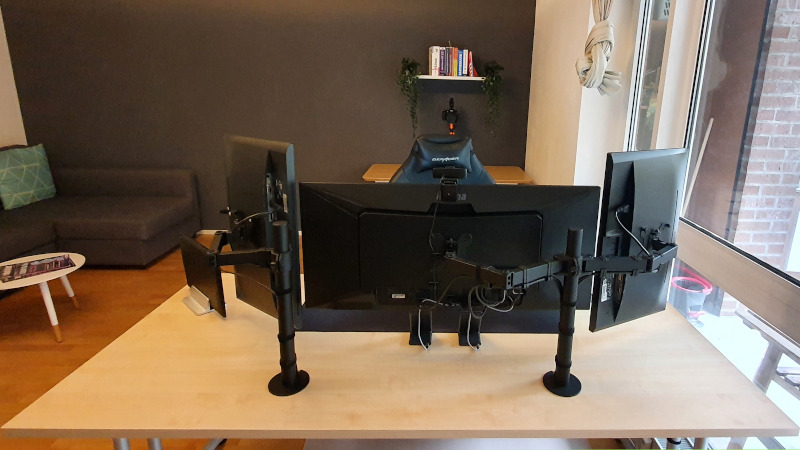
Wenn du dir die Bilder in diesem Beitrag ansiehst, denk immer daran: Das ist nicht aus dem Nichts entstanden.
Es war ein langer Prozess mit vielen Iterationen, bis der Schreibtisch fast perfekt war.
Der beste Weg zum perfekten Schreibtisch sind kleine Verbesserungen, wann immer du Zeit dafür hast. So störst du deinen Workflow am wenigsten und kommst trotzdem mit deinen Upgrades gut voran.
Dinge, die dir helfen, deinen Schreibtisch aufgeräumt zu halten
Wenn es einfach wäre, einen Schreibtisch aufzuräumen, an den man sich gewöhnt hat, hätte jeder einen sauberen. Aber es kostet etwas Geld und ein paar Dinge, die du wahrscheinlich noch nicht hast.
- Rollcontainer (Alex/Schubladenelement)
- Kabelbinder
- Monitorarm/Monitorerhöhung
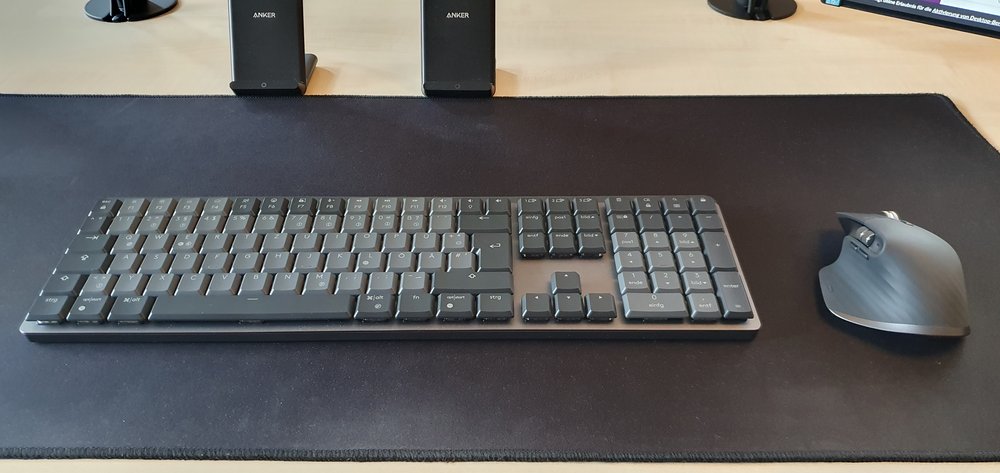
- Kabellose Tastatur/Maus
- USB-Hubs
- Dockingstation
Auch Apps können helfen. Wenn du etwas wie das freelancingtoolkit benutzt, kannst du deine Notizen dort schreiben, statt Papier und Stifte auf dem Schreibtisch liegen zu haben.
Wie du einen aufgeräumten Schreibtisch erreichst
Versuch nicht, alles auf einmal zu machen. Fang klein an. Mach eine kleine Veränderung. Dann die nächste. Bau darauf auf, wenn du Zeit und Geld dafür hast.
Erster Schritt
Dein erster Schritt sollte sein, alles zu entfernen, was du nicht ständig für deine Arbeit brauchst. Vielleicht hast du zum Beispiel ein Notizbuch und Stifte, mit denen du dir während eines Calls wichtige Dinge aufschreibst – aber du hast nur ein bis zwei Calls am Tag, bei denen du sie wirklich brauchst. Also legst du sie in die oberste Schublade deines Rollcontainers. Wenn du keinen hast, besorg dir einen, den du unter den Schreibtisch stellen kannst.
Die Regel ist simpel: Was du nicht jede einzelne Stunde benutzt, gehört nicht auf den Schreibtisch.
Zweiter Schritt: Weg mit den Kabeln
Kabel sind das größte Chaos auf den meisten Schreibtischen. Schon drei oder vier Kabel können deinen Schreibtisch chaotisch aussehen lassen. Die Lösung ist billig und einfach: Kabelbinder.
Bündle Kabel, die in dieselbe Richtung laufen. Dann runter damit vom Schreibtisch. Du kannst eine kleine Kabelwanne unter den Schreibtisch montieren, um sie zu verstecken. Die Steckdosenleiste kommt auch unter den Schreibtisch. Aus den Augen, aus dem Sinn.
Du brauchst nicht sofort das perfekte Setup. Schnapp dir einfach ein paar Kabelbinder und bündle, was du hast. Allein das lässt deinen Schreibtisch deutlich aufgeräumter aussehen. Und es kostet fast nichts.
Dritter Schritt: Werde kabellos
Das beste Kabel ist gar kein Kabel. Eine kabellose Tastatur und Maus beseitigen sofort zwei Kabel. Klingt nach wenig, macht aber einen großen Unterschied, wenn du auf deinen Schreibtisch schaust.
Wenn du ein kabelgebundenes Headset hast, ist ein kabelloses ein guter nächster Schritt. Jedes Kabel, das du entfernst, ist eine Sache weniger, um die du dich kümmern musst.
Vierter Schritt: Heb deinen Monitor an
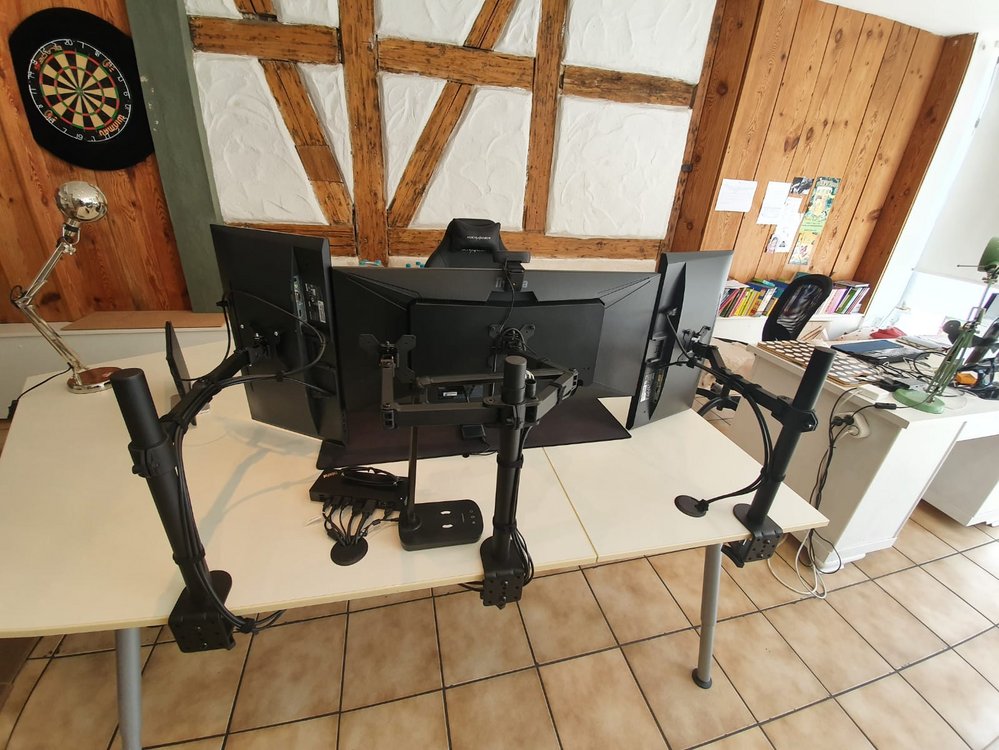
Der Standfuß, mit dem dein Monitor geliefert wurde, nimmt viel Platz auf dem Schreibtisch weg. Ein Monitorarm löst das Problem. Er wird an die Schreibtischkante geklemmt und hält den Monitor in der Luft. Der ganze Platz darunter ist plötzlich frei.
Mit einem Monitorarm kannst du den Bildschirm außerdem auf die richtige Höhe für deine Augen und deinen Nacken bringen. Das ist auch besser für deine Gesundheit. Ein Gewinn auf ganzer Linie.
Ein Monitorarm ist wahrscheinlich das beste Upgrade, das du machen kannst. Er spart Platz, sieht großartig aus und ist besser für deinen Körper. Wenn du nur eine Sache aus dieser Liste kaufst, dann diese.
Fünfter Schritt: Ein Kabel für alles
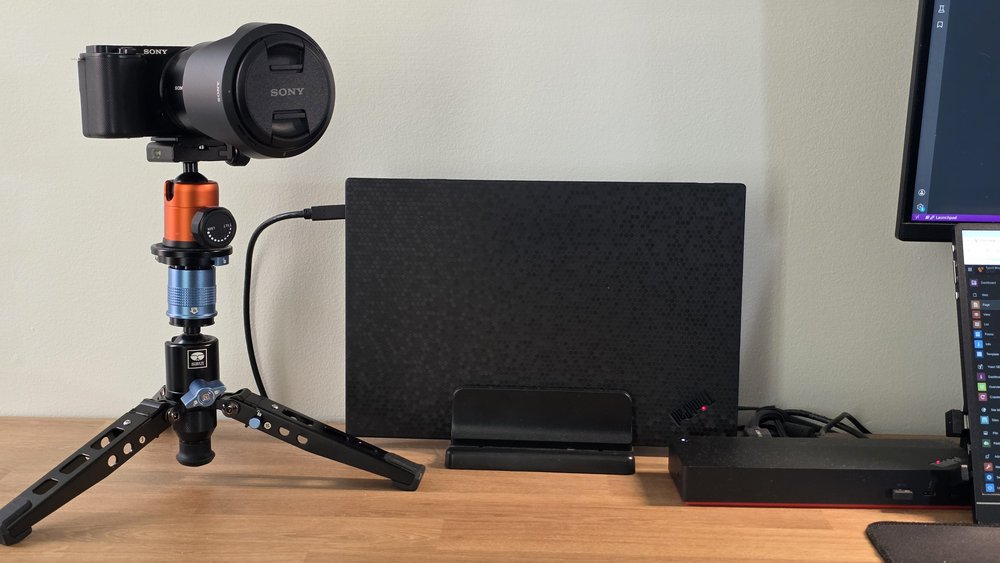
Mit einer Dockingstation steckst du ein einziges Kabel in deinen Laptop, und alles andere funktioniert einfach. Monitor, Maus, Tastatur, Internet, Ladegerät – alles läuft über eine kleine Box.
Wenn dir eine Dockingstation zu viel ist, ist ein USB-Hub ein guter Anfang. Die Idee ist dieselbe: Pack alle chaotischen Verbindungen an eine versteckte Stelle und halte deinen Schreibtisch sauber.
Der Schritt, der nie aufhört: Mach eine Gewohnheit daraus
Das alles funktioniert nur, wenn du dranbleibst. Nimm dir am Ende jedes Tages eine Minute, um alles zurückzulegen. Notizbuch in die Schublade. Tasse in die Küche. Das war's.
Es geht nicht um die Ausrüstung. Es geht um die Gewohnheit. Die Ausrüstung macht es nur leichter, die Gewohnheit beizubehalten.
Ein sauberer Schreibtisch ist nichts, was man einmal erledigt. Es ist etwas, wofür du dich jeden Tag in etwa 60 Sekunden entscheidest. Bau dir diese Gewohnheit auf, und dein Schreibtisch bleibt von selbst sauber.